Title: My 4-Year-Old Laptop Was Extremely Slow! I Finally Found a Solution ❤️
Hi everyone!
My name is Scott, I'm 24 years old, and I'm currently a college student.
I come from a financially struggling family, so buying expensive electronics isn't really an option for me.
I have an old laptop that I've been using for almost four years. Over time, it became extremely slow. Even opening simple programs took forever!
As a college student, I regularly need my laptop for assignments, research, presentations, and college projects.
But honestly, working on that laptop had become a nightmare.
Sometimes it would freeze, applications would take ages to open, and even completing simple tasks became frustrating.
I really wanted to buy a new laptop, but unfortunately, I couldn't afford one.
I was feeling very frustrated because I needed my laptop for my studies, but I didn't have the money to replace it.
So, I decided to look for another solution.
I searched on Google for ways to improve my laptop's speed and performance.
During my search, I came across a website called Usageeks LLC. Slow Computer Troubleshooting Help | USA Geeks LLC
I visited their slow computer support page and decided to contact them to explain the problems I was experiencing.
After contacting them, I received assistance from their support team.
They helped me troubleshoot my laptop, improve its performance, install the necessary software, and take care of some of the issues that were making it run so slowly.
The entire process was much easier than I expected.
I was honestly surprised by the difference in my laptop's performance after the service.
It felt like I had a completely different computer!
My old laptop was finally running much better, and I could work on my college assignments and projects without the same frustration.
I really want to thank USA geeks LLC for their assistance and support.
As a college student on a tight budget, getting more life out of my existing laptop means a lot to me.
If you're experiencing problems with a slow computer, laptop, PC, or printer, you can visit their website to explore their available support services.
I'll leave their website link in the description below.
Thank you, Usageeks LLC, for making my computer experience so much better!
And thank you, everyone, for watching my video.
See you in the next one!
Take care, everyone!
Slow Computer Help
Investigate slow startup, freezing, low storage, and demanding applications before choosing a fix.
What slow computer help can cover
Slow startup
Startup programs, background updates, and storage performance can delay a computer becoming usable.
Low storage and heavy workloads
Check available space and which tasks consume processor or memory resources.
Freezing and instability
Recurring freezes may be related to software, overheating, storage, or hardware that needs physical inspection.
Prepare for a useful support conversation
Explain the symptoms before choosing a fix
Describe the issue in your own words, including when it began and anything you have already tried. An exact error message is more useful than a general description such as “it is broken.”
We can discuss whether the task fits remote assistance and what the proposed service includes. A diagnosis, replacement part, license, or finished project cannot be assumed before the scope is confirmed.
- Computer age, model, and operating system
- When the slowdown occurs
- Recent changes and available storage

Look for a pattern in the slowdown
A computer that is slow only just after startup may be doing different work from one that slows down during a video call or a large document. Note the task, timing, and whether the computer recovers. Performance work should start with those observations rather than a promise of a guaranteed speed increase.
- Compare startup performance with performance after background tasks finish.
- Check available storage without deleting files you do not understand.
- Note unusual fan noise, heat, or recurring freezes.
- Keep a backup before cleanup, software removal, or major updates.
Useful checks before you contact us
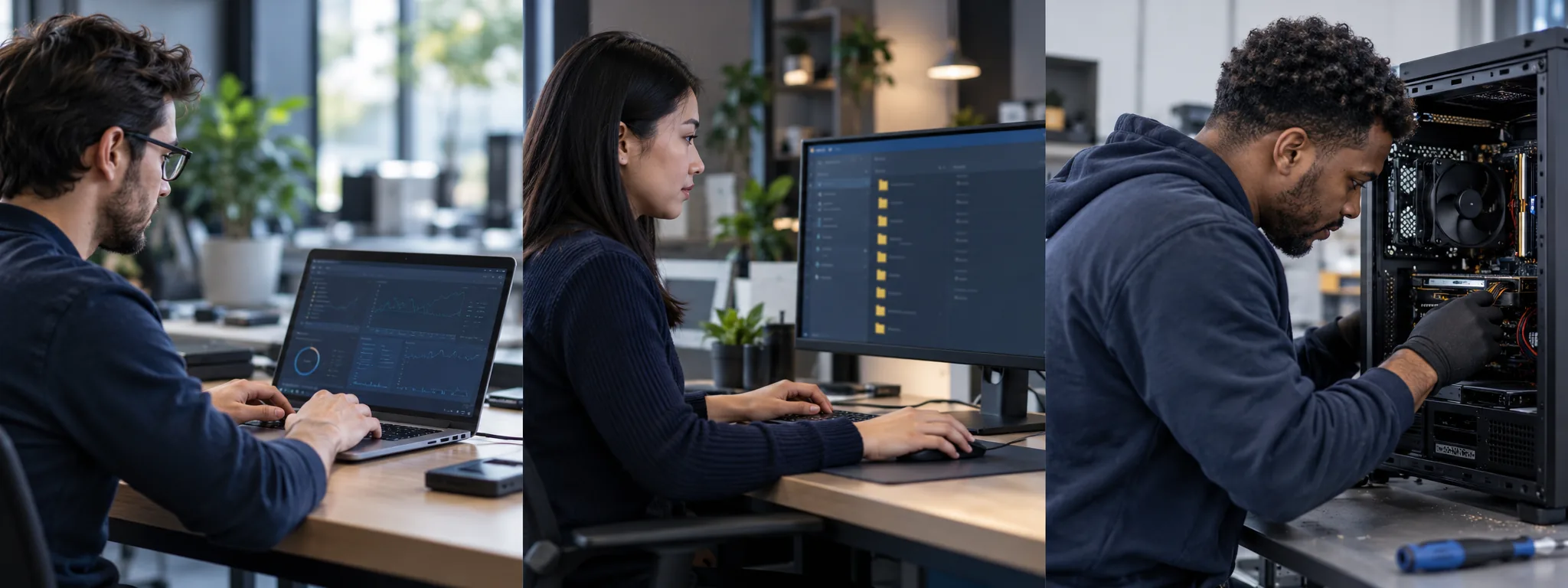
Slow Computer Help questions
Can this service be provided remotely?
What will the service cost?
Should I send passwords or account details?
Related services and information
Talk through your next step.
Describe the problem or project. We will discuss the scope and price before any work is agreed.

Comments
Post a Comment